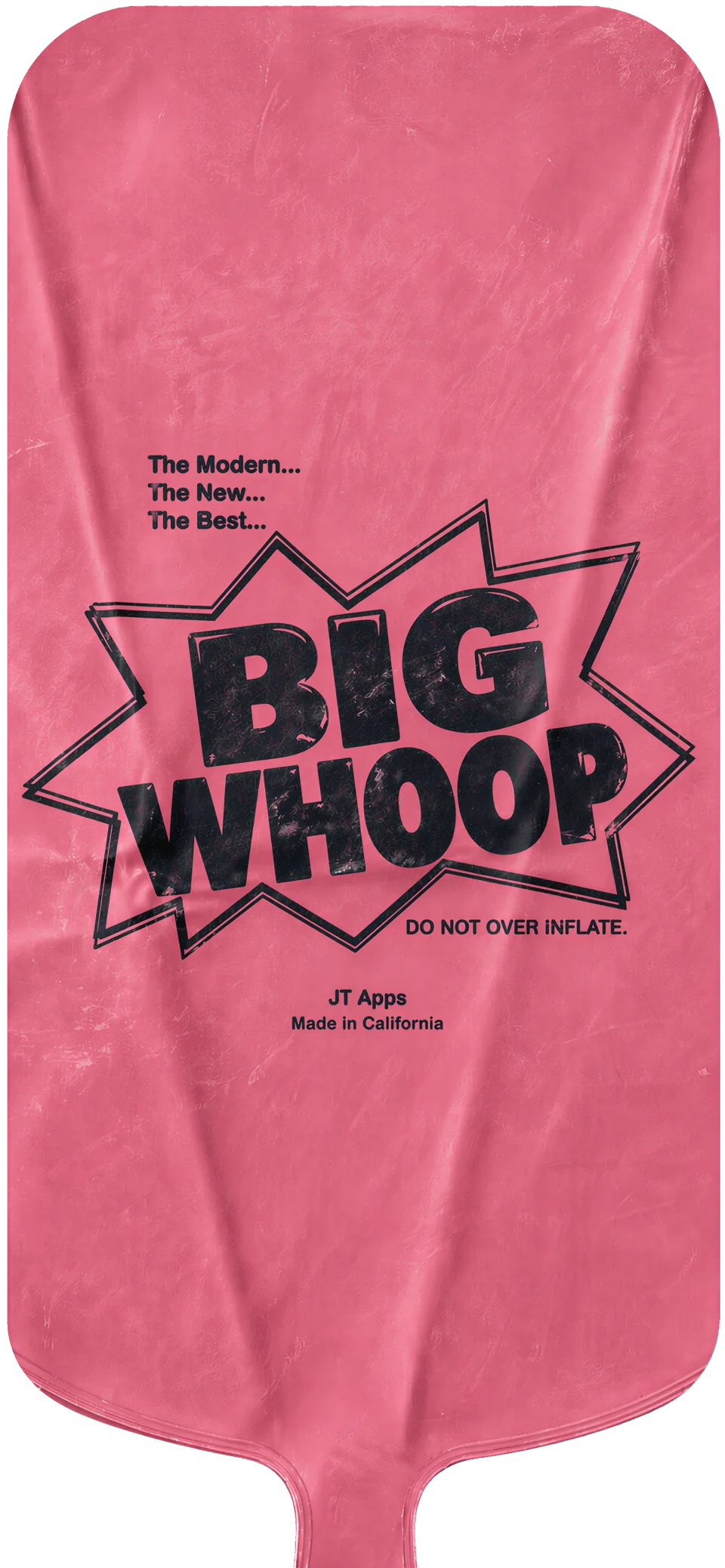
Give it air
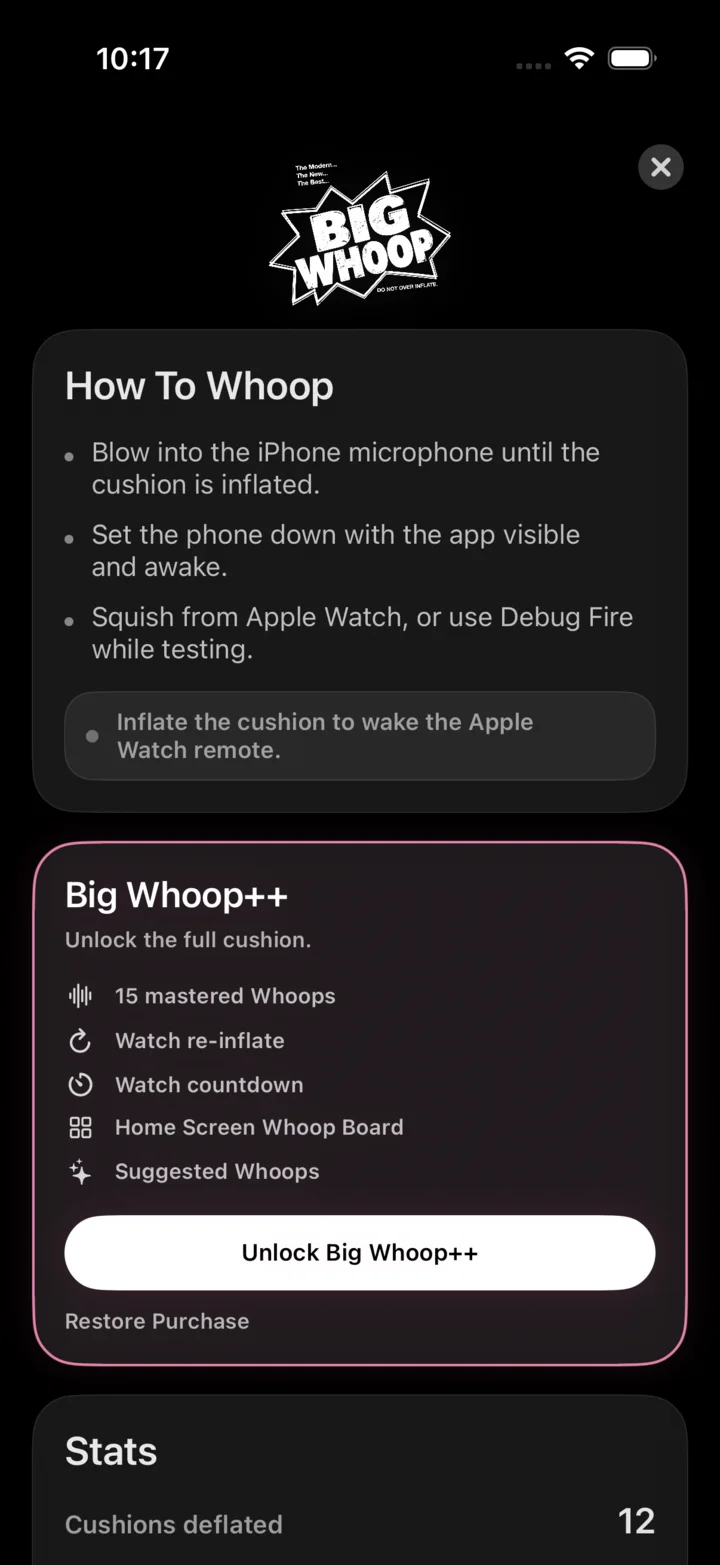
Blow into iPhone until the cushion holds pressure.
 App Store
Big Whoop for iPhone and Apple Watch
Blow it up on iPhone. Set it down visible. Squish from Apple Watch. A low-brow object, handled with unusual discipline.

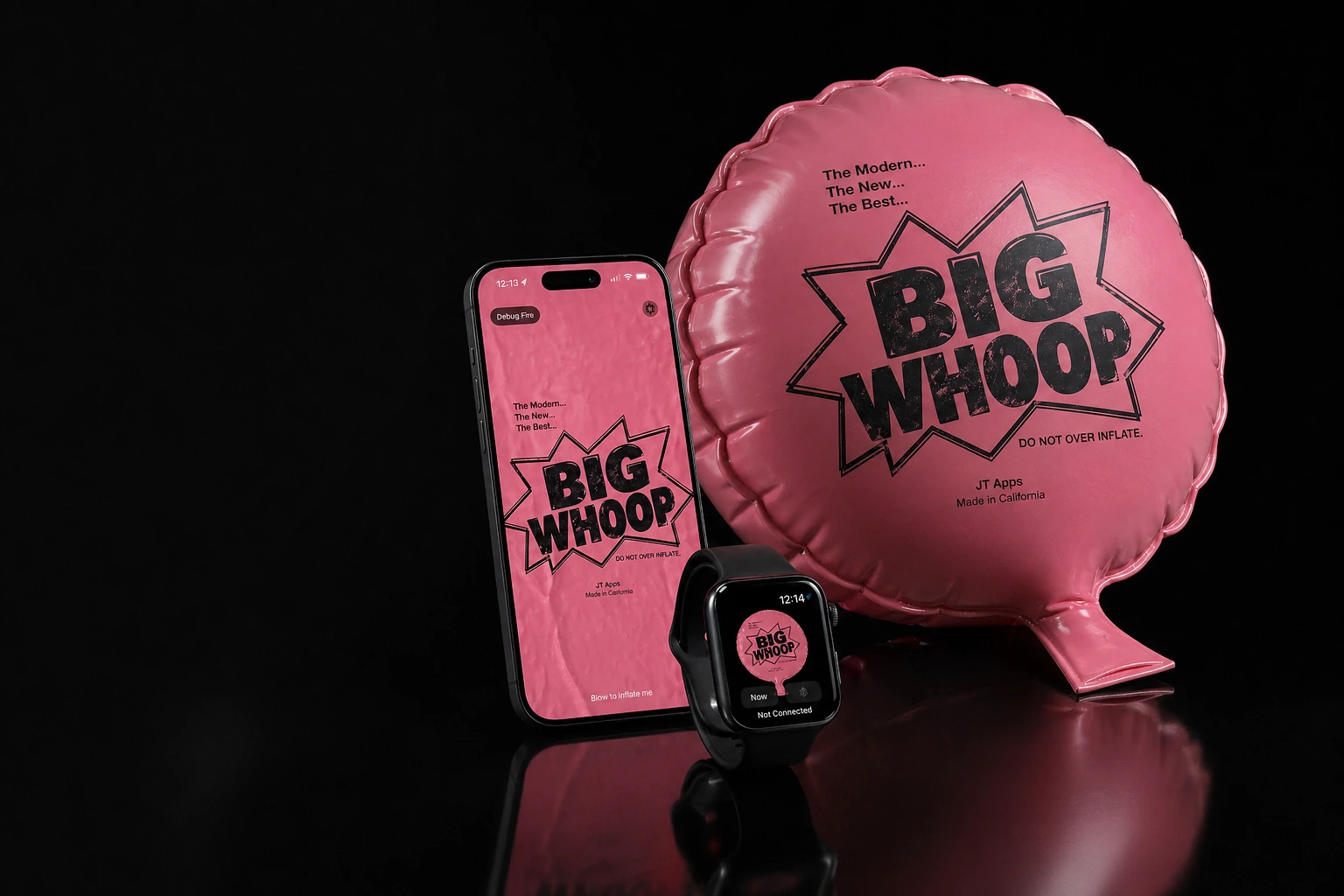
The setup
Blow into iPhone until the cushion holds pressure.
Set it down open, awake, and plainly visible.
Tap Apple Watch. The release arrives on time.
The iPhone app
Big Whoop keeps the cushion open and readable: pressure, sound, haptics, and collapse.
Suggested Whoops appear when Apple Intelligence is available.
 Not Connected
Apple Watch
Apple Watch stays intentionally small: one cushion, one squish, one clear state. Big Whoop++ adds countdown and re-inflation.
Big Whoop++
More sounds. More wrist power. More ridiculous pressure.
Whoop 1 is included. Big Whoop++ unlocks the Full 10 Pack.
Dolby AtmosRe-inflate and count down from Apple Watch. More wrist authority.
Four pinned slots from the Full 10 Pack, ready from the Home Screen.
Occasion-aware suggestions when Apple Intelligence is available.
For iPhone. Better with Apple Watch.
Apple, Apple Watch, iPhone, and App Store are trademarks of Apple Inc. Big Whoop is not affiliated with or endorsed by Apple.